What to Check During Your 72-Hour Inspection Window
By Adscreed Editorial 3 min read
- Escrow
- Freelance
- Digital Products
When digital products land in your lap, relief usually battles suspicion. Will the files actually work? Did the seller give you what they promised in their service packages? Adscreed holds your money safely in escrow inside a private Transaction Room once delivery happens, giving you a 72-hour inspection window to figure this out.
Smart buyers use those 72 hours with intention. Stop panic-clicking right now. You need a practical checklist to test, verify, and confirm your delivery before the automatic release timer hits zero.
Verify the File Integrity and SHA-256 Fingerprint
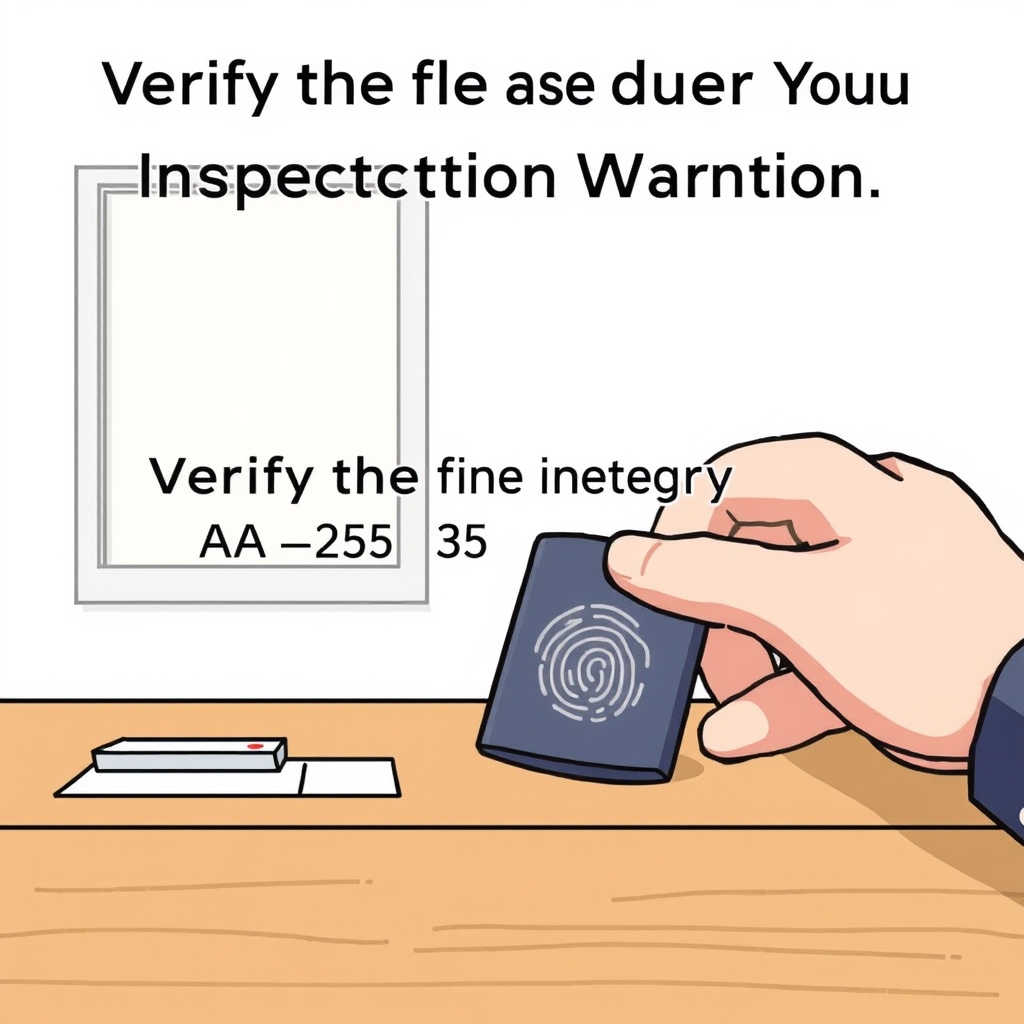
Check file integrity the moment you download them. Every delivered file carries a SHA-256 fingerprint that you can check to ensure the exact files sent by the seller are the ones resting on your device.
Imagine a designer drops a zipped folder of branding assets into your chat. Don't just look at the thumbnail previews. Extract that archive, check the file formats, and verify that the unique cryptographic fingerprint matches what was provided in the delivery room.
This technical step protects you instantly against corrupted downloads or altered assets. If something feels off with the raw delivery package, you have concrete proof right at the start of your 72-hour window.
Test the Product Against the Agreed Package Terms
Test the digital product or service output against the specific terms of the package you bought. Sellers on Adscreed offer services in up to three distinct tiers—Basic, Standard, or Premium—each outlining a specific price, delivery time, and set number of revisions.
Did you buy a Standard package that included three specific revisions and two distinct format exports? Verify that you actually received all of those deliverables. Open the spreadsheets, run the code, or test the digital templates in a live environment.
Don't wait until hour 71 to start testing. Give yourself enough time to thoroughly evaluate the work against the exact promises made in the listing description before the countdown gets too low.
Check the Transaction Room for All Required Deliverables
All official communication and file handovers happen inside the private Transaction Room on Adscreed. Scroll through the chat history and delivery attachments before you decide to release funds or raise concerns.
Sellers often provide initial drafts in the chat before uploading final deliverables to the official delivery prompt. Make sure you are reviewing the final version that triggered the 72-hour inspection countdown, rather than an older draft.
Keeping all your reviews inside the platform ensures that if you need to take further action, all context is cleanly organized in one secure location.
Know When to Release Payment or Open a Dispute
As the 72-hour inspection window ticks down, you face a clear choice. Release the payment or open a dispute. If everything looks correct and matches your expectations, you can manually release the funds so the seller receives their payout in their linked bank account.
What happens if you find a critical flaw or a missing piece that the seller refuses to fix? Open a dispute. Opening a dispute freezes the funds immediately, preventing any automatic release until an administrator reviews the case.
Remember that both sides can attach screenshots as evidence to a dispute. If you do nothing and let the 72-hour window expire without taking action, the payment is released automatically to the seller.
Ready to put this into practice? Explore the marketplace or read how escrow protects both sides.
Frequently asked questions
What happens if I do nothing during the 72-hour inspection window?
If you do not manually release the payment or open a dispute within the 72 hours, the platform releases the funds automatically to the seller.
Can I get extra time to inspect my digital product?
The inspection window is set for 72 hours. If you need more time to evaluate complex deliverables, you should communicate with the seller or open a dispute if there is a legitimate delay.
What kind of evidence can I submit if I open a dispute?
Both buyers and sellers can attach screenshots and relevant files as evidence directly inside the dispute interface for platform administrators to review.
Do I pay any extra fees as a buyer during this process?
No. Buyers pay no extra platform fees. The 3 percent platform fee is taken entirely from the seller's payout when funds are released.
Trade without taking anyone’s word for it
Your payment stays in escrow until you confirm delivery.